
Free Email Hijack Guide for UK Businesses
How hackers break into business email, and steal money. No form and no email address needed: the guide opens straight away.
- 29-page PDF
- By Yann Davies of ABCOM IT Solutions
- Free to read and share
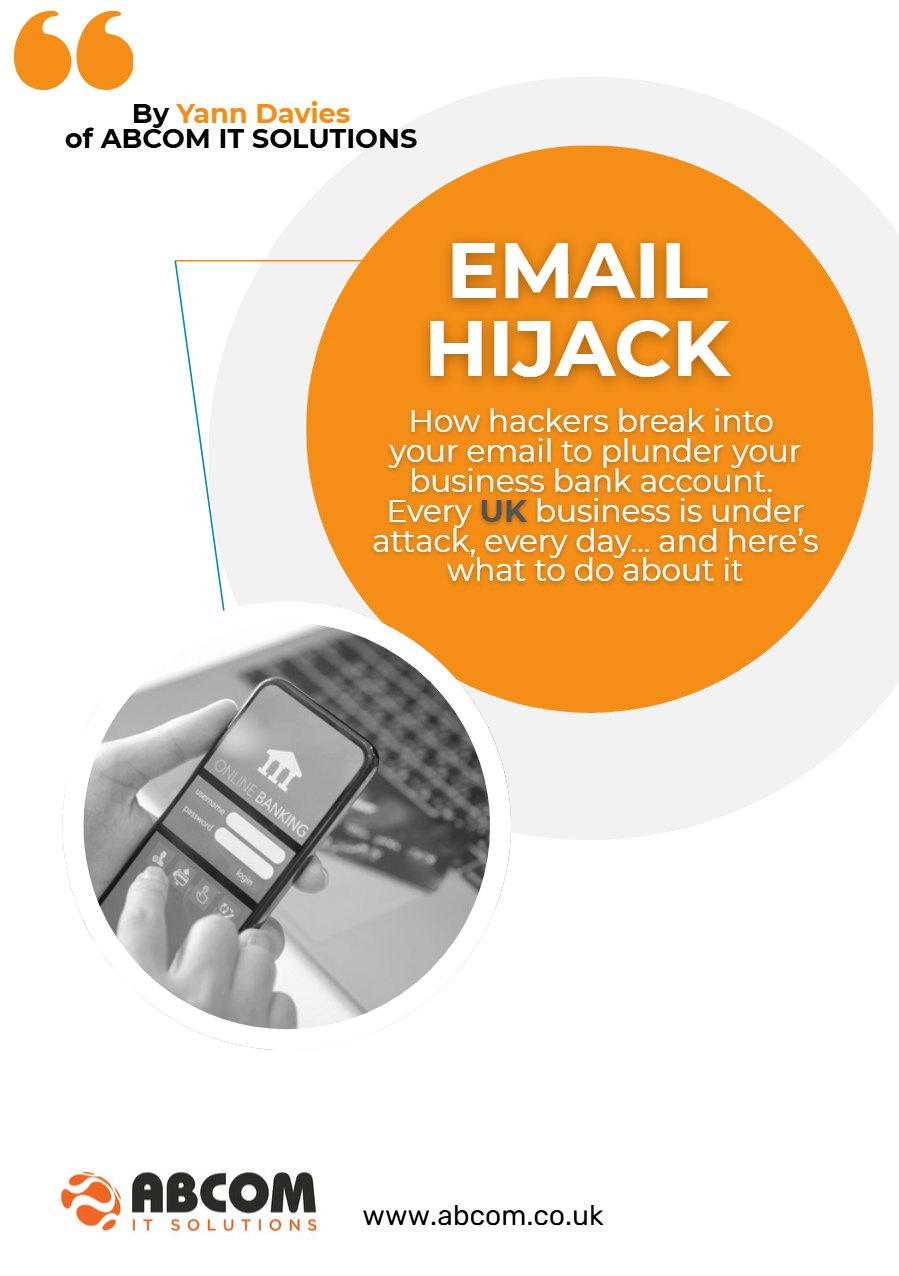
What is inside the guide
Why email is the first thing attackers go for
If a hacker takes control of your email, they can usually get into other systems too, because most “forgotten password” links are sent to your inbox. A single hidden forwarding rule is enough for them to watch your invoices, wait for the right moment and redirect a payment. Cloud email is not secure by default, and even the best filters cannot catch everything.
- 90%+of successful attacks involve human error
- 40%of UK businesses enforce MFA everywhere
- 60%+of people reuse passwords across work and personal accounts (NCSC)
Figures as quoted in the guide.
Can you see it?
The story in the guide is fictional, but it is based on real incidents. David’s operations manager paid a supplier’s invoice, then an email arrived with new bank details. Just over £12,000 went to the wrong account. Which of these two is the fake?
The real address is xyzcompany.com. The hacker bought xyzcommpany.com. An extra character can often go unnoticed. Follow-up emails like this are sent straight after the real one, so most people just assume they’re real.
Get the free guide
A short, readable guide by Yann Davies of ABCOM IT Solutions. It follows one business owner through an invoice fraud, then gives you a checklist of 10 layers of email security to put in place before it happens to you.
Opens the PDF straight away (29 pages, 2.5MB). No spam, no pressure. Just a practical guide written for UK business owners.
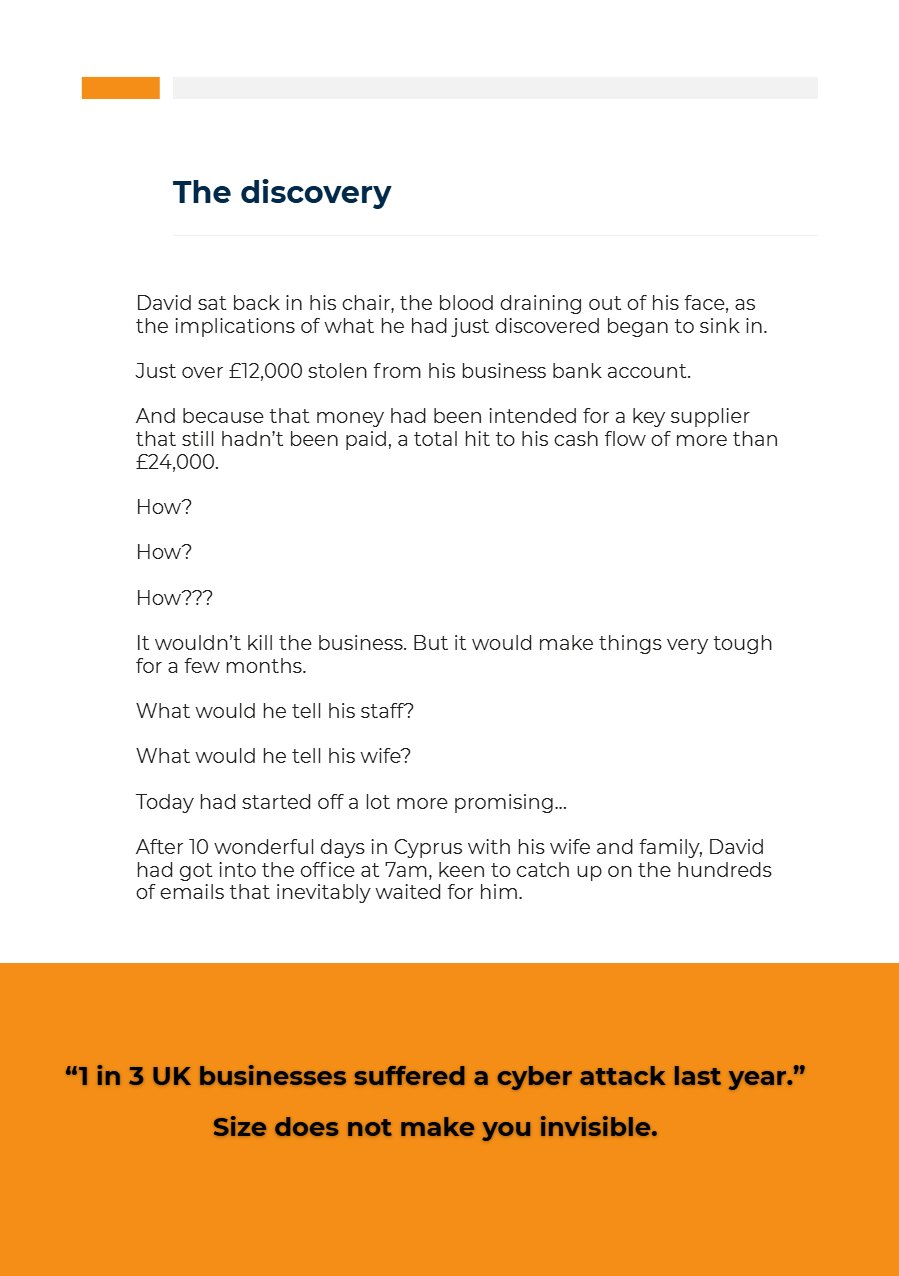
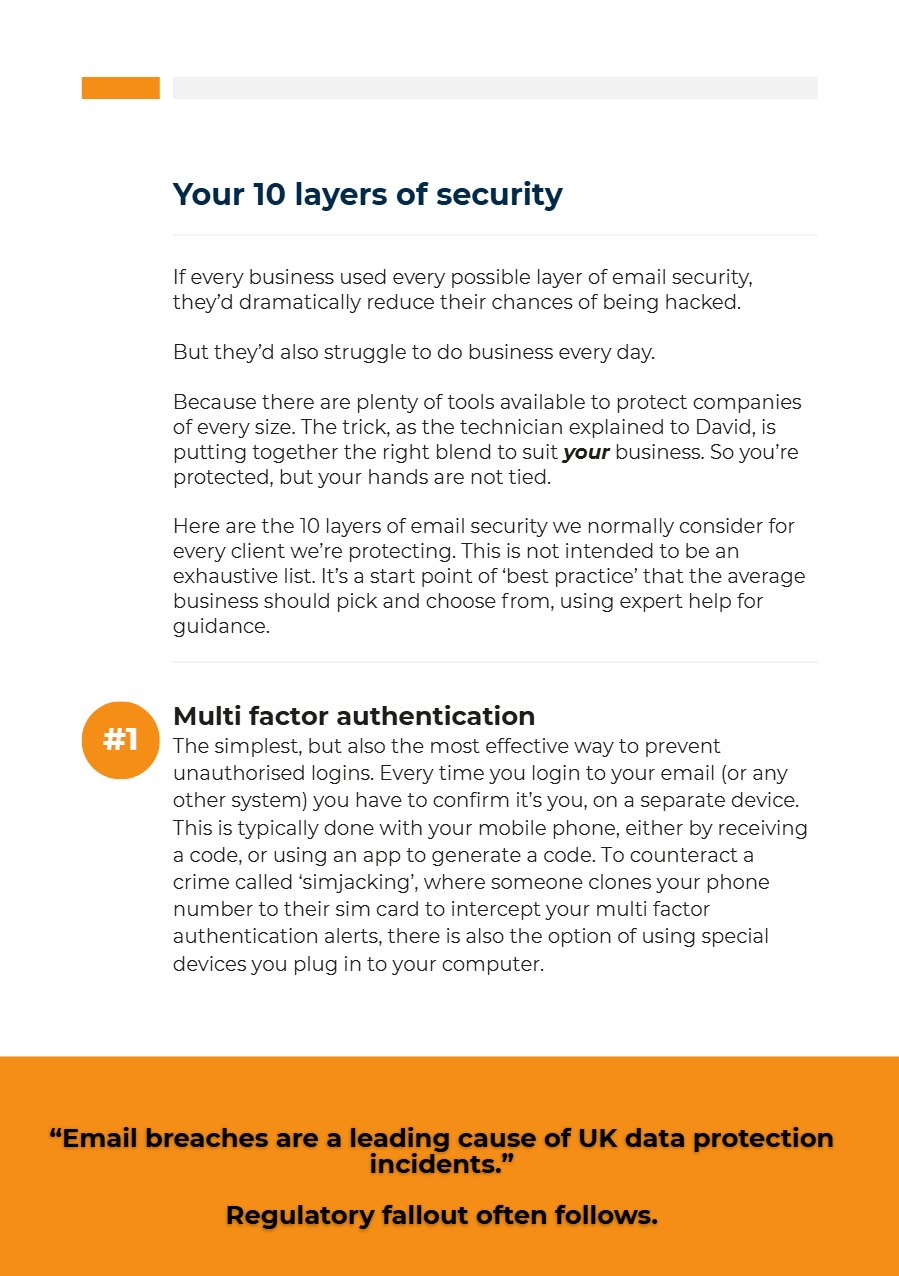
The 10 layers of email security
Most businesses do not need every layer, and using all of them would slow everyone down. The guide explains each one in plain English so you can choose the right blend with expert help.
- Multi-factor authenticationConfirm every login on a second device. The simplest and most effective control.
- Forwarder monitoringGet alerted if a hidden email forwarding rule is ever set up.
- Proper email backupSo a compromised account can be rebuilt without losing a single email.
- AI email screeningSpots sudden changes in how a familiar contact writes.
- Endpoint securityLock down the computers your team uses to read email.
- Microsoft 365 advanced threat protectionStrong protection, if it is set up correctly for your business.
- Awareness trainingShort online courses that make people pause before they click.
- Cyber EssentialsBuilds the right habits, and more customers now ask for it.
- Cyber insuranceAnd follow the standards insurers set for best practice.
- Payment processesApproval steps followed every time, especially when the boss is in a hurry.

About the author
Yann Davies is Managing Director of ABCOM IT Solutions, a UK-based IT and cyber security provider supporting businesses and charities since 1996.
This guide is based on real-world incidents and patterns seen across UK organisations.
Not sure which layers your business needs?
Book a free cyber security consultation and we will look at your email setup with you. No pressure, just straight advice.
More on protecting your email
Local IT support: Burgess HillAll areas we cover