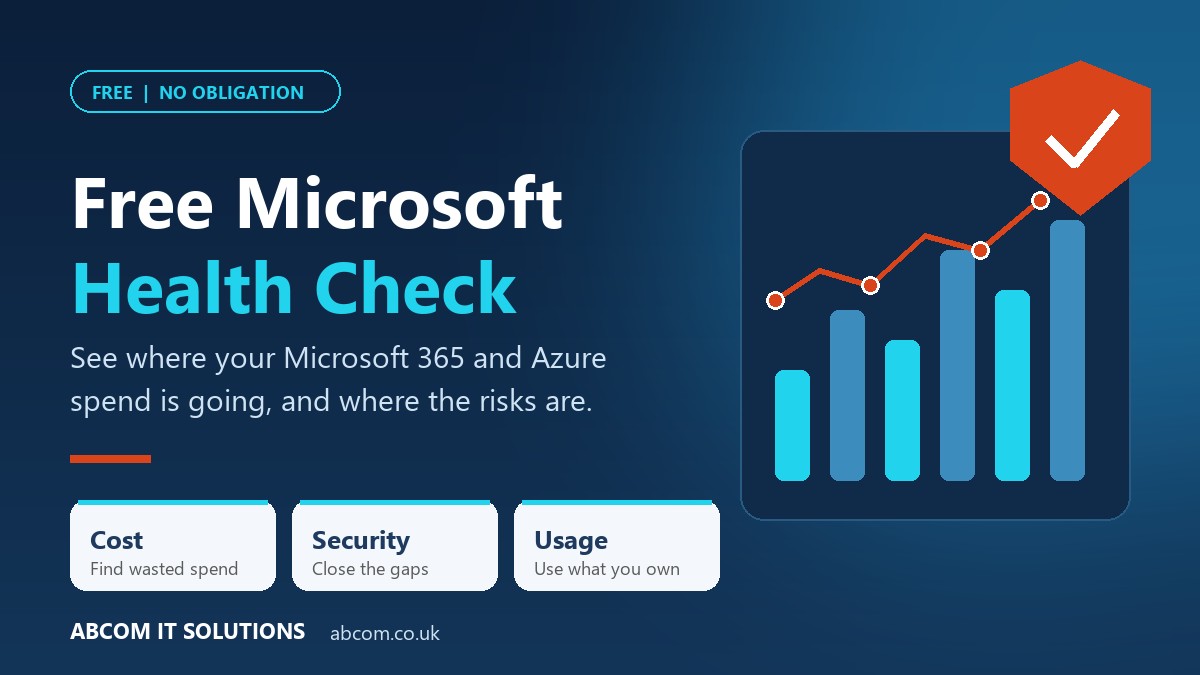
Most businesses pay for Microsoft 365 and Azure every month and have no clear picture of what they are getting for it. We have launched a free Microsoft Health Check that shows you where money is being wasted, where security has gaps, and what you already own but are not using.
Why Microsoft bills creep up
Microsoft 365 and Azure rarely get more expensive in one big jump. They grow quietly. A leaver keeps their licence. A test server is left running over the weekend, and then every weekend. Someone buys a third-party tool that Microsoft 365 already does. Nobody is being careless. Nobody is looking.
The same lack of visibility hides security risks: accounts that no longer belong to anyone, staff without multi-factor authentication, and people with far more admin access than they need. These are the things that cost money, and the things that cause incidents.
What the health check is
It is a short, practical review of your Microsoft 365 and Azure environment, run by the ABCOM team. We use SCOUT, a specialist Microsoft optimisation platform, to analyse your real usage data securely. You do not need to dig out reports or learn a new tool. We do the analysis, then explain what it means for your business and what to do first.
What we look at
Wasted spend
Unused or over-assigned licences, idle or oversized Azure resources, storage in costly tiers and tools that duplicate what you already pay for.
Security gaps
Weak multi-factor adoption, leaver accounts still active, lingering permissions and too many administrators, plus where your Microsoft Secure Score could be.
Real usage
Which features and licences your team actually uses, where training would help, and where unapproved tools are creeping in.
What you get back
| We review | You receive |
|---|---|
| Licences | A list of unused and over-assigned licences, with a view of what you could save at your next renewal. |
| Azure resources | Idle, oversized or always-on resources that are costing more than they should. |
| Security posture | The identity and access risks worth fixing first, in priority order. |
| Adoption | Which Microsoft tools your team is and is not using, so you stop paying for shelfware. |
| Next steps | Clear recommendations from our team, with no jargon and no pressure. |
How it works, step by step
- Book a short call.Twenty minutes to understand your setup and what matters most to you.
- We connect securely.With your approval, we set up read-only access. Nothing in your environment is changed.
- We analyse your data.Your usage, spend and security settings are reviewed by our team.
- We walk you through it.You get a clear summary and our recommendations. What you do with them is up to you.
Is it safe?
Yes. Access is read-only, so we can see how your environment is set up but cannot change it. There is no software to install on your computers and no disruption to your team while we work. If you decide not to act on the findings, that is entirely fine.
Thinking about Copilot?
Microsoft 365 Copilot licences are easy to buy and easy to waste. The health check can also show how ready your environment is, which people are likely to get real value first, and how to measure whether the spend is paying off. It is a sensible step before a wider rollout, or if you already have a few licences and want to know they are being used.
Questions we are asked
Does it really cost nothing?
Yes. The health check is free and carries no obligation to buy anything from us.
How long does it take?
The call takes about 20 minutes. We will agree a timescale for the findings with you when we speak.
Will it disrupt my team?
No. We work from read-only data in the background, and your staff will not notice anything.
Do I need to contact Microsoft or any other vendor?
No. We are your single point of contact from start to finish.
Find out what your Microsoft estate is really costing you
Book a free 20-minute call and we will arrange your health check.
Book your free health checkRelated FAQs
Plain-English answers to the questions this article raises:
Last updated 7 November 2026.
Do not just read it. Act on it.
Reading is the easy part. Book a free IT review and we will tell you, in plain English, where your business stands and what to fix first.