
Managed IT support for Sussex businesses
Proactive, fully managed IT from our Burgess Hill team: helpdesk, Microsoft 365 support, security, monitoring and standard Microsoft 365 backup for one clear monthly price. We take ownership of your IT so you can get on with running your business.
From £65 per user per month2-hour response for critical issues24/7 threat monitoring · NCSC Assured Service Provider
Everything your IT needs, looked after
One clear monthly price per user, covering the day-to-day support and the behind-the-scenes work that keeps your systems healthy.
Helpdesk and support
Unlimited remote support from our Burgess Hill team, with engineers on site when hands-on work is needed.
- 2-hour response for critical issues
- Tickets prioritised by severity
- Mon–Fri, 8am–6pm
Microsoft 365 and cloud
Setup, licensing and day-to-day support for Microsoft 365, Teams, SharePoint and OneDrive.
- User and licence management
- Secure sharing and access
- Cloud migrations
Security and endpoint protection
Managed antivirus and endpoint protection on every device, with Cyber Essentials-aligned controls on Core Secure.
- Managed AV and EDR
- Multi-factor authentication
- Security baselines
Monitoring and patching
Round-the-clock monitoring spots problems early, and updates are applied to operating systems and key apps.
- Proactive alerts
- Patch management
- Health reporting
Backup and recovery
Managed, verified backups so your data can be recovered when you need it. Backups are held in UK data centres.
- Microsoft 365 backup
- Regular restore checks
- Business continuity planning
Devices, onboarding and changes
New starters set up before day one, leavers secured, and changes planned to avoid disruption.
- Laptop and PC setup
- Starters and leavers
- Change management
Compare plans at a glance
Simple per-user pricing, excluding VAT. No hidden extras for everyday support.
| Feature | CoreReliable managed IT | Core SecureRecommended | Core AssureFull assurance |
|---|---|---|---|
| Price per user, per month (ex VAT) | £65e.g. £1,300/month for 20 users | £89e.g. £1,780/month for 20 users | From £129per user, minimum monthly fee applies |
| Best for | Small teams that want dependable, fully managed day-to-day IT | Organisations that need insurer-, client- or tender-ready security | Businesses that cannot afford downtime or that handle regulated or sensitive data |
| Support | |||
| 2-hour response for critical issues | ✓ | ✓ | ✓ |
| Critical issues prioritised immediately | ✓ | ✓ | ✓ |
| Unlimited remote support | ✓ | ✓ | ✓ |
| Microsoft 365 support | ✓ | ✓ | ✓ |
| Multi-factor authentication (MFA) management: set-up, enforcement, resets and exception reviews | ✓ | ✓ | ✓ |
| Out-of-hours incident support | – | – | ✓ |
| Protection | |||
| Proactive monitoring and maintenance | ✓ | ✓ | ✓ |
| Patch management (OS and key applications) | ✓ | ✓ | ✓ |
| Managed antivirus and endpoint protection, monitored 24/7 by a security operations centre | ✓ | ✓ | ✓ |
| Standard Microsoft 365 backup included | ✓ | ✓ | ✓ |
| DMARC report you can share with your website company | ✓ | ✓ | ✓ |
| Continuous vulnerability monitoring | – | ✓ | ✓ |
| Security baseline configuration | – | ✓ | ✓ |
| Intune device management (needs Microsoft 365 Business Premium; licences quoted separately) | – | – | ✓ |
| Compliance | |||
| NCSC Assured Service Provider (Cyber Advisor scheme) | ✓ | ✓ | ✓ |
| Cyber Essentials-aligned controls | – | ✓ | ✓ |
| Monthly security reporting | – | ✓ | ✓ |
| Monthly DMARC review (one domain; extra domains charged) | – | – | ✓ |
| Incident rehearsal | – | – | ✓ |
| On-site and terms | |||
| On-site visits | £80 per hour | Discounted rate | Free for critical issues in Mid Sussex |
| Technical Account Manager (12-month term) | ✓ | ✓ | ✓ |
| Quarterly vCISO review (12-month term) | – | ✓ | ✓ |
| Free onboarding on a 12-month term* | ✓ | ✓ | ✓ |
| Server, PC image and disaster recovery backup | Quoted separately | Quoted separately | Quoted separately |
| Phishing training and shadow-AI check | Optional extra | Optional extra | Optional extra |
| Per-ticket charges | None for everyday support | None for everyday support | None for everyday support |
| Notice period | 1 month, from day 90 or after a 12-month term | 1 month, from day 90 or after a 12-month term | 1 month, from day 90 or after a 12-month term |
| Minimum monthly fee | – | – | Minimum applies |
NCSC assured providers register · See how we have helped Sussex organisations → · See IT support prices
- Reliable managed IT
What managed IT changes for our clients
Real outcomes for Sussex organisations. Each links to the full case study.
The problem: outdated systems and ad-hoc support couldn’t keep up with growth.
What we did: fully managed IT with Microsoft 365, SharePoint and Teams, monitoring, secure backups and a managed firewall.
Read the case study →Facilities · Emergency support90 minsfrom call to back up and running at TSS Facilities, PortsladeThe problem: a network switch failed over the weekend, so on Monday nobody could work.
What we did: call logged at 9:00am; an engineer had fitted a replacement switch by 10:30am.
Read the case study →★★★★★
“Yann and ABCOM have been a fantastic support over many years. Responses to IT problems are always very quick and efficient.”
Dr Alan SandersChief Executive, Russell Martin Foundation
★★★★★
“We definitely made the right choice. We’ve saved money too!”
DerekManaging Director
★★★★★
“They have truly helped us strengthen our operations while being mindful of our budget.”
MatthewCEO
A whole team for less than one hire
One IT technician costs more than you might think, and still can’t cover holidays, sickness or every specialist skill.
- A team, not one person, so there’s always cover
- Security, Microsoft 365 and networking specialists included
- Monitoring and patching around the clock
- No recruitment, training or management overhead
In-house IT technician£32,700 /year
ABCOM Core, 20 users£15,600 /year
Already have an IT person?
Many organisations keep someone in-house for day-to-day needs and use ABCOM for the rest: specialist skills, cyber security, holiday cover and our monitoring tools.
You keep the local knowledge; they get a team behind them.
Your IT personDay-to-day requests and local knowledge
- +
ABCOMSecurity, monitoring, projects and cover
What a normal day actually looks like
Good IT support is mostly invisible. Here’s what happens behind the scenes.
8:00am
Your team logs in. Everything works. No frantic password resets.
10:30am
A hardware issue is spotted by our monitoring and fixed before you notice.
12:00pm
You securely open files from the cloud while working remotely.
3:15pm
New starters are fully set up before their first coffee break.
5:00pm
You log off, knowing your systems are protected and backed up overnight.
- 10 miles
- 20 miles
- ENGLISH CHANNEL
- WEST SUSSEX
- EAST SUSSEX
- Burgess Hill ›
- Haywards Heath
- Brighton & Hove ›
- Crawley ›
- Horsham
- Lewes
- Worthing
- Chichester
- East Grinstead
- Hassocks
- ABCOM, Burgess Hill
- Ashwyn Business Centre
From our office in Burgess Hill, we provide managed IT services and IT support to businesses and charities across Sussex and the South East. Most issues are fixed remotely, and our engineers visit on site when hands-on work is needed.
- Haywards Heath
- Brighton & Hove
- Crawley
- Horsham
- Lewes
- Worthing
- Chichester
- East Grinstead
- Hassocks
We also support organisations elsewhere in the UK remotely, with site visits arranged when needed. Book a free 20-minute call
Moving your IT to ABCOM
A structured handover, so nothing falls through the gaps. Most businesses move across with no downtime.
Review
We look at your Microsoft 365 or Google setup, licences, devices and security.
Handover
We coordinate with your outgoing provider to collect access, documentation and passwords safely.
Site visit
We visit your office to see your network, equipment and how your team works.
Plan and protect
You get a red, amber and green plan, with monitoring and security in place from day one.
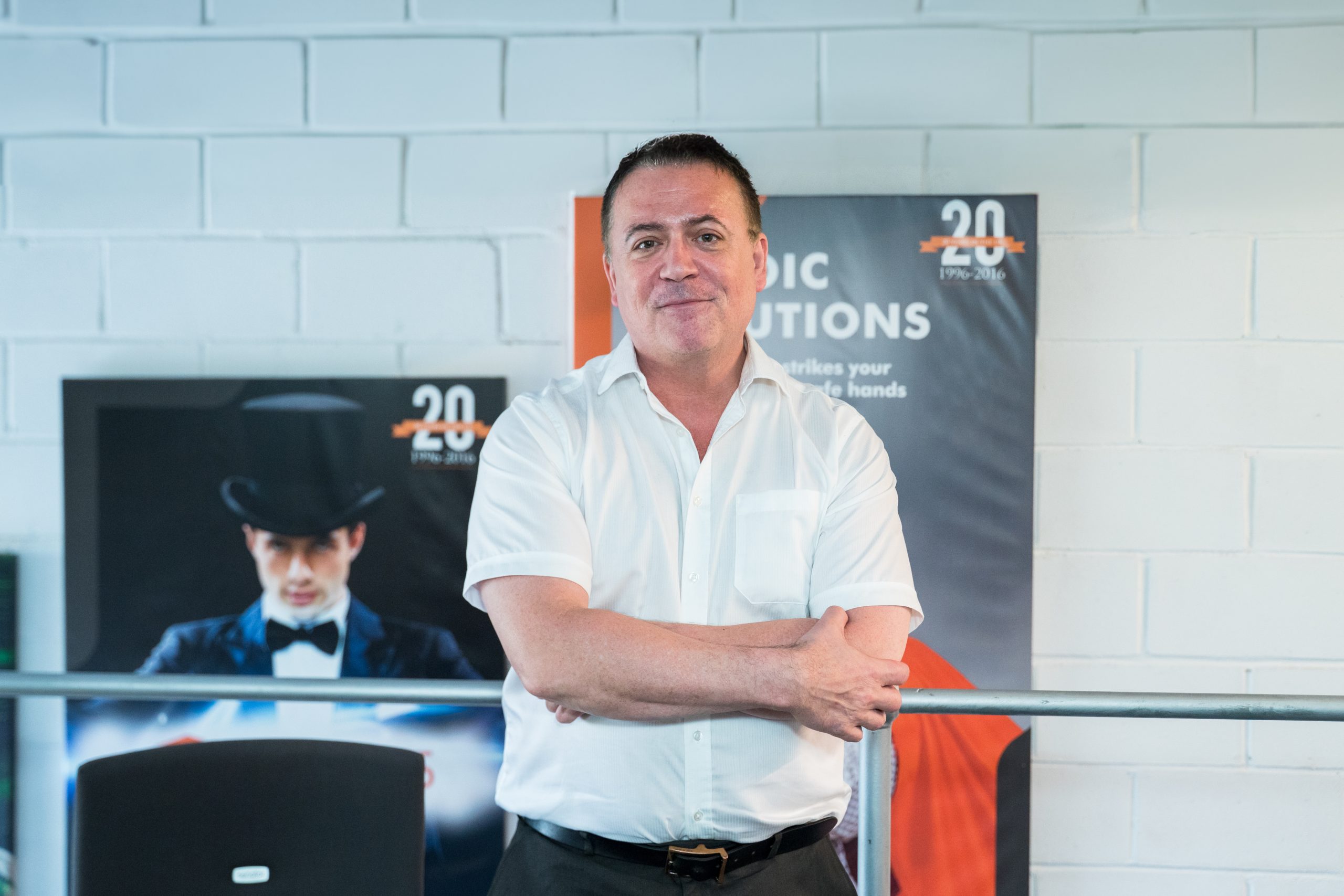
From our Managing Director
“Technology should feel invisible when it’s working properly. Our job is to make sure you barely notice it’s there.”
Yann Davies
Managed IT services FAQs
How much do managed IT services cost?
ABCOM Core managed IT support is £65 per user per month, and Core Secure, which adds vulnerability monitoring, security baselines and monthly security reporting, is £89 per user per month. Core Assure starts from £129 per user per month and has a minimum monthly fee (all excluding VAT). For example, a 20-person business on Core pays £1,300 a month. Use our instant estimator for a quick figure.
What is included in managed IT support?
Unlimited remote helpdesk support, proactive monitoring and maintenance, patching of operating systems and key applications, Microsoft 365 support, managed antivirus and endpoint protection, and managed backups. Standard Microsoft 365 backup is included on every plan. Core Secure adds continuous vulnerability monitoring, a security baseline, Cyber Essentials-aligned controls and monthly security reporting. Core Assure adds out-of-hours incident support, incident rehearsal, a monthly DMARC review and Intune device management.
How fast do you respond?
Our SLA commits to responding to critical issues within 2 hours, with response targets for every ticket by priority. Tickets are handled as they come in, and the most severe issues, such as the whole business being unable to work, are prioritised first. Our support desk is open 8am to 6pm, Monday to Friday.
Do you provide onsite IT support?
Yes. Most issues are fixed remotely because it is fastest, but our engineers visit sites across Sussex for hardware, network installations, office moves and anything that needs hands-on work. Remote helpdesk support is included. On-site visits are charged at £80 per hour, with no call-out charge for clients under contract. Core Secure has a discounted rate, and Core Assure includes free on-site visits for critical issues in Mid Sussex.
What is the contract term?
You can start on a 90-day agreement (onboarding is a one-off fee) or choose a 12-month term, which includes free onboarding, a Technical Account Manager and, on Core Secure and Core Assure, a quarterly vCISO review. Notice is 1 month, effective no earlier than day 90, or after the first 12 months on a 12-month term. Any remediation of issues found at onboarding, such as an outdated server, is quoted separately.
Is Microsoft 365 backup included?
Yes. Standard Microsoft 365 backup is included for every supported user on all plans. Server, PC image and disaster recovery backup are scoped and quoted separately.
Core, Core Secure or Core Assure?
Core gives you reliable, fully managed IT support. Core Secure includes everything in Core plus built-in cyber resilience: continuous vulnerability monitoring, a security baseline configuration, controls aligned with Cyber Essentials and monthly security reporting. Core Assure adds out-of-hours incident support, incident rehearsal, a monthly DMARC review and Intune device management, with free on-site visits for critical issues in Mid Sussex. Cyber insurance and most compliance frameworks typically need Core Secure or above.
Can you work with our in-house IT?
Yes. Many organisations keep an internal IT person for day-to-day needs and use ABCOM for specialist skills, cyber security, cover during holidays and our monitoring tools. We call this co-managed IT.
Cheaper than hiring IT staff?
Often, yes. A single IT technician on £28,500 costs around £32,700 a year once employer’s National Insurance and pension are added, while ABCOM Core for 20 users is £15,600 a year excluding VAT, and gives you a whole team with cover for holidays and sickness.
Do you cover Brighton and Sussex?
Yes. From our base in Burgess Hill, we support businesses and charities in Brighton and Hove, Haywards Heath, Crawley, Horsham, Lewes, Worthing, Chichester and across Sussex, with remote support and onsite visits.
How do we switch provider?
We run a structured onboarding: a review of your systems, a professional handover from your current provider, a site visit, then securing admin accounts and backups and deploying our monitoring and security tools, usually with no downtime.
Is your support available 24/7?
Our service desk has a 2-hour response for critical issues during business hours (8am to 6pm, Monday to Friday). Our endpoint detection and response (EDR) software runs 24/7 on every protected device, and it is monitored around the clock by a security operations centre (SOC).
What do EDR, SOC, NOC and ITDR mean?
EDR (endpoint detection and response) is security software on each laptop, desktop and server that watches for signs of an attack and can isolate an infected device. A SOC (security operations centre) is the team of analysts who investigate those alerts around the clock. A NOC (network operations centre) monitors the health and availability of networks, servers and devices, so it keeps systems running rather than hunting attackers. ITDR (identity threat detection and response) is the identity side of the same idea: it looks for signs that a Microsoft 365 account has been taken over, such as logins from unusual places or suspicious mailbox rules. Microsoft includes identity protection features in its premium plans.
Make IT one less thing to worry about
Tell us what’s working and what isn’t. We’ll review your IT for free and give you a clear, no-obligation plan.