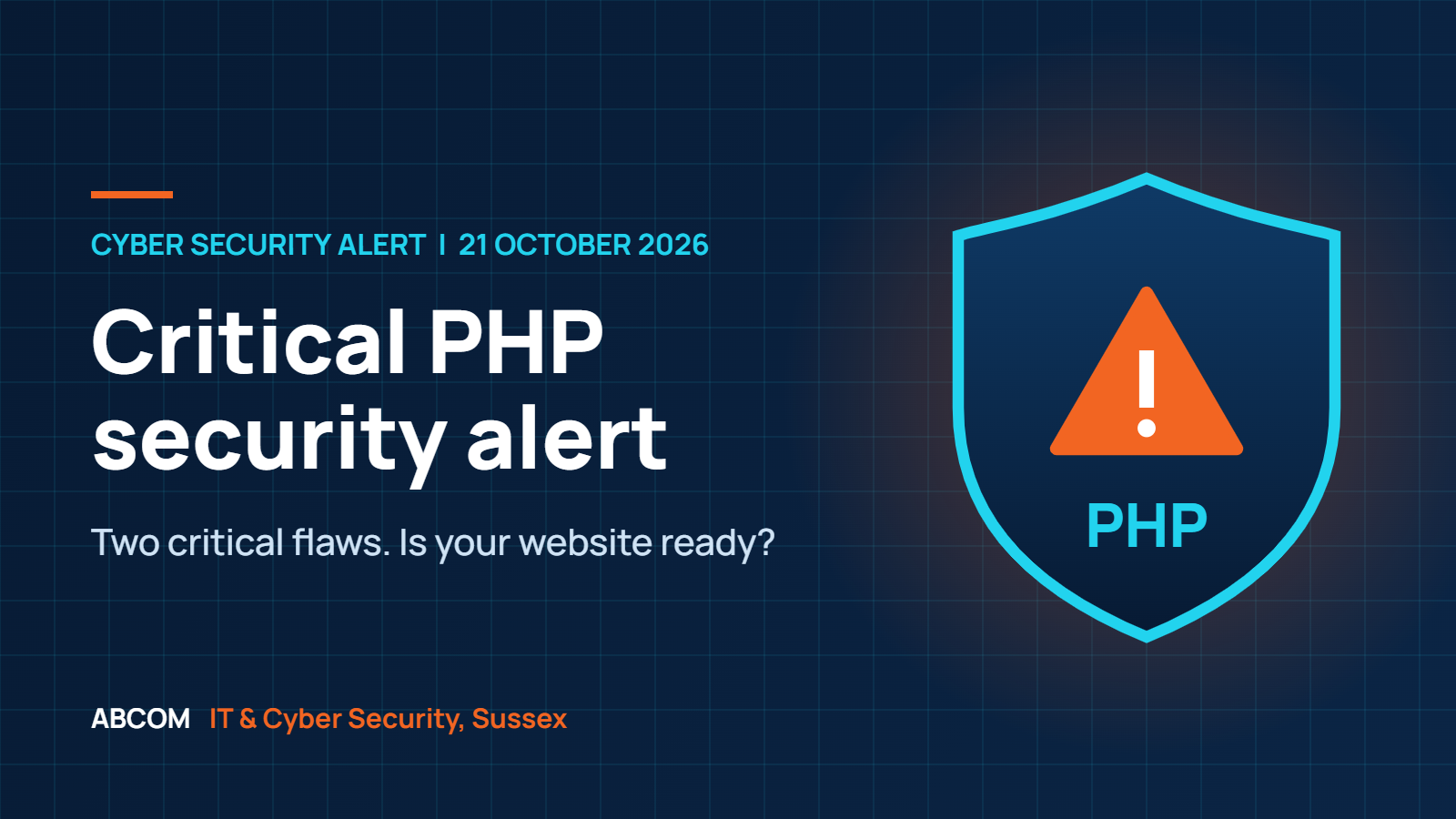
The short version: the National Cyber Security Centre (NCSC) has told UK organisations to prepare for immediate PHP security updates. Two critical vulnerabilities, each scored 9.2 on CVSS v4.0, are being fixed in an emergency PHP release due at 3pm BST today. Find out whether your website or business applications use PHP, and confirm who is responsible for updating it.
Source: NCSC and the PHP Foundation announcement. Affected versions, fixed versions and technical details are published with the release.
What has been announced?
The PHP security team has announced an emergency release addressing two critical vulnerabilities. The release is scheduled for 3pm BST on Wednesday 21 October 2026, although it could arrive earlier. The NCSC has urged UK organisations using PHP to prepare for immediate updating and, if that is not possible, to consider taking affected systems offline until they can be fully mitigated.
What we do not know yet: the affected versions, the fixed versions and the technical detail have not been published. Anyone claiming to know exactly which systems are exposed before the release is guessing. The sensible move is to prepare now and act on the official advisory as soon as it lands.
What is PHP, and could your business be using it?
PHP is software that runs behind the scenes on web servers and helps websites and applications work. Your business may be using it without anyone on your team having installed it. WordPress, many content management systems, online shops, customer portals and booking systems all run on PHP, and so do a lot of third-party products that bundle it.
A website that looks and works normally still needs checking. If you run WordPress, you can see your current PHP version in the dashboard under Tools, Site Health, Info, Server. That tells you what is running today, but not whether your host will patch it or when.
What should your business do now?
1. Confirm who owns the update
Ask your host, website developer or IT provider: do we use PHP, which versions are running, who applies the emergency update and how will they prove we are protected? Make sure one named person is accountable.
2. Prepare to patch promptly
Backups, access and a deployment plan should be ready before the fix is released. After updating, verify the running PHP version and test forms, logins and checkout pages.
3. Plan temporary protection
If a system cannot be updated promptly, ask what effective mitigation exists. The NCSC advises considering taking the system offline until it can be fully mitigated.
4. Check for suspicious activity
Review logs and look for unexpected changes, unfamiliar accounts or unusual server activity. A patch closes the door, but you also need to know whether anyone has already walked through it.
5. Do not forget third-party products
The NCSC also points to vendors whose appliances or services bundle PHP. Watch for their security updates as well as your own.
6. Prioritise internet-facing systems
Websites, portals and anything reachable from outside your network come first, and should be monitored closely for malicious activity.
Is updating WordPress enough?
No. Updating your content management system, themes or plugins does not update PHP. PHP is part of the underlying server software, and it is normally patched by your hosting company or server administrator. Ask your provider to confirm in writing that the server software has been checked and that the relevant PHP security fixes have been applied.
Updating is also only half the job. Applying a patch should be accompanied by checking whether anything suspicious has already happened.
Why a fast response matters
When a patch is published, the vulnerability details usually become public too. That gives attackers a roadmap, and automated scanning for unpatched systems tends to begin quickly. This is why the NCSC is asking organisations to prepare before the release rather than after it. If you hold customer data, take payments or run a portal, the cost of being slow is far higher than the cost of a planned update.
It is also a good moment to check your wider patching habits. Cyber Essentials expects critical and high-risk security updates to be applied within 14 days of release, and a regular vulnerability assessment shows you which internet-facing systems are exposed before an attacker finds them.
Frequently asked questions
How do I know if my business uses PHP?
If you have a website built on WordPress or most other content management systems, an online shop, a customer portal or a booking system, it very probably does. Ask your website developer or hosting company to confirm which systems use PHP and which versions are running.
Do I need to take my website offline?
Not necessarily. The NCSC advice is to patch immediately when the fix is released, and to consider taking a system offline only if it cannot be updated or otherwise mitigated promptly. Talk to your provider about the options for your specific systems.
Will updating WordPress fix this?
No. WordPress, themes and plugins sit on top of PHP. The PHP fix has to be applied at server level, normally by your hosting provider.
What if I do not know who looks after my website?
Establish that today. Check your hosting invoices, your domain registrar and any original developer contract. If you cannot find an owner, that gap is itself a risk, and it is something ABCOM can help you resolve.
Where can I find the official advice?
The NCSC notice and the PHP project announcements, linked at the end of this article. Details of affected versions and fixes will be published with the PHP release.
Unsure who looks after your website’s underlying technology?
ABCOM supports businesses and charities across Sussex with practical IT and cyber security advice. We can help you understand the questions to ask and coordinate next steps with your hosting company or website developer. Call us on 01444 871 200 or email hello@abcom.co.uk. Your first IT review is free.
Official updates
This is a developing security issue, published 21 October 2026. Check the official sources for the latest affected versions, fixes and mitigation advice. Related reading: our cyber security services and managed IT support.
Do not just read it. Act on it.
Reading is the easy part. Book a free IT review and we will tell you, in plain English, where your business stands and what to fix first.