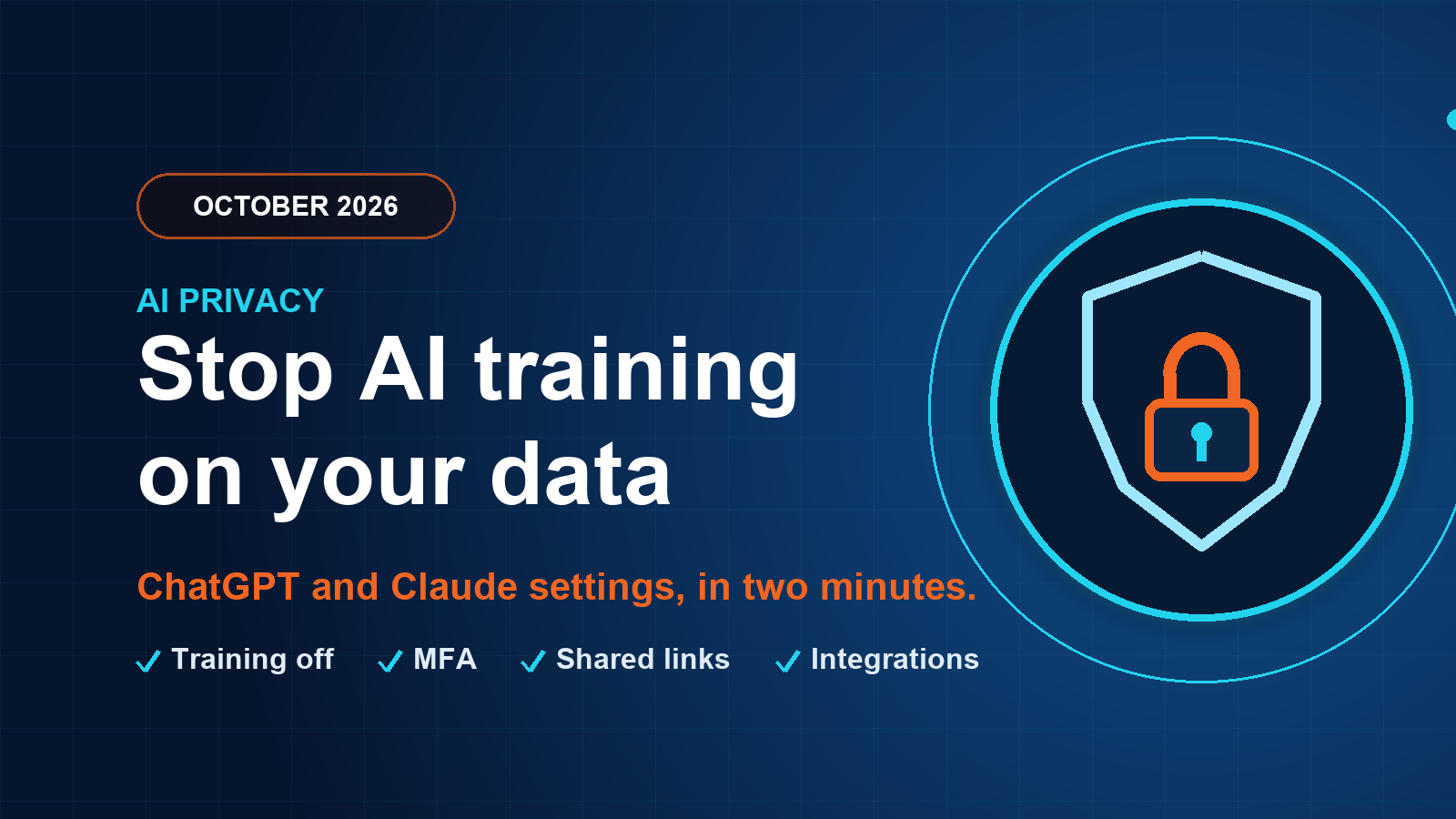
Short answer: switch off model training in both ChatGPT and Claude today. In ChatGPT turn off “Improve the model for everyone” (Settings, Data controls). In Claude turn off “Help Improve our AI models” (Settings, Privacy). It takes about two minutes and stops your customer, financial and confidential information being used to train future AI models.
If you use ChatGPT or Claude for business, particularly with customer information, financial data or confidential documents, a few settings are worth changing now. The key objective is to prevent your conversations and uploaded information being used to train future models.
It helps to separate model training from public exposure. Your chats are not automatically published on the internet or made available to other users. Disabling training provides an additional layer of privacy.
ChatGPT and Claude privacy settings at a glance
ChatGPT (OpenAI)
Settings, Data controls
- Turn off “Improve the model for everyone”
- Review and revoke unnecessary shared conversation links
- Enable multi-factor authentication under Security
- Use Temporary Chat for sensitive work and review connected apps’ permissions
Claude (Anthropic)
Settings, Privacy
- Turn off “Help Improve our AI models”
- Review shared chats and revoke unnecessary links
- Use Incognito chats for sensitive conversations
- Review connected integrations and access permissions
How to turn off AI training in ChatGPT
Go to Settings, Data controls and turn off “Improve the model for everyone”. This is the priority change. You can keep your conversation history: new chats will not be used for model training once the setting is disabled.
Then revoke any shared conversation links you no longer need, and enable multi-factor authentication under Security. For particularly sensitive work, use Temporary Chat and review the permissions of any connected apps.
How to turn off AI training in Claude
Go to Settings, Privacy and turn off “Help Improve our AI models”. This prevents future training on your chats and Claude Code sessions, although it cannot undo training that has already been completed.
Review shared chats and revoke unnecessary links, use Incognito chats for particularly sensitive conversations, and review connected integrations and access permissions.
Five safeguards for business use
Apply these rules to both platforms, especially for client-facing work.
Keep secrets out
Never enter passwords, API keys, recovery codes or unredacted customer credentials.
Secure every account
Enable MFA and use individual staff accounts rather than shared logins.
Limit connections
Restrict access to Microsoft 365, Google Drive, GitHub and other connected systems to what is necessary.
Protect client data
Avoid uploading identifiable client data without an approved business purpose and data protection arrangements.
Check tool access
Review what Claude Code can access in local files and repositories.
Do business plans train on your data?
For company-wide use, ChatGPT Business and Enterprise and Claude commercial plans do not use customer inputs and outputs for model training by default, subject to exceptions such as optional data sharing or feedback. If your team uses free or personal accounts for work, moving to a business plan with admin controls is the stronger fix. See also our guide to whether ChatGPT is safe to use at work and why every business AI needs guardrails.
Our recommendation: switch off model improvement on both platforms today. It is the most important immediate privacy change. Then review sharing, integrations and account security separately.
Frequently asked questions
Should we turn off AI model training in ChatGPT and Claude?
Yes, for business use. Turn off "Improve the model for everyone" in ChatGPT (Settings, Data controls) and "Help Improve our AI models" in Claude (Settings, Privacy). Your chats are not published or shown to other users, but switching training off adds a layer of privacy for customer, financial and confidential information. It stops future training only and cannot undo training already done. Then enable MFA, review shared links and connected apps, and never enter passwords or API keys. ChatGPT Business and Enterprise and Claude commercial plans do not train on your inputs by default.
Are my ChatGPT and Claude chats made public or shown to other users?
No. Your chats are not automatically published on the internet or made available to other users. The privacy risk is that, unless you opt out, conversations can be used to train future models. Turning training off adds a layer of privacy, and you should still revoke any shared conversation links you no longer need.
Does turning off training delete what I have already entered?
No. Switching off model improvement prevents future training on your chats and Claude Code sessions, but it cannot undo training that has already been completed. You can keep your conversation history. Treat the setting as protection from now on, and avoid entering sensitive data in the first place.
Do ChatGPT Business and Claude commercial plans train on our data?
By default, no. ChatGPT Business and Enterprise and Claude commercial plans do not use customer inputs and outputs for model training, subject to exceptions such as optional data sharing or feedback. Check the admin settings and your agreement, and still avoid entering passwords, API keys or unredacted customer credentials.
Not sure what your team is putting into AI tools?
Our free Shadow AI Check takes three minutes, and ABCOM helps Sussex businesses set safe AI policy, account security and configuration through the AI Readiness Sprint. Your first IT review is free.
Book a free 20-minute callThis article is general information and settings names may change as providers update their products. Check each platform’s current privacy settings.
Do not just read it. Act on it.
Reading is the easy part. Book a free IT review and we will tell you, in plain English, where your business stands and what to fix first.